The hidden cost of running a business on spreadsheets
Spreadsheets are one of the best business tools ever made. They are flexible, familiar, cheap and fast. They are often exactly the right place to start a new process because nobody needs to know the final structure yet.
The problem starts when the spreadsheet stops helping people organise work and quietly becomes the system the business depends on. That transition is easy to miss.
One day it is a great, helpful, easy to manage working document. A year later it contains customer records, pricing rules, inventory, scheduling, reporting logic and a collection of formulas that only one person fully understands. At that point, the issue is no longer whether spreadsheets are good or bad. The question is whether this particular spreadsheet is still the right tool for the job.
Starting with a spreadsheet is usually sensible
A new process is rarely understood well enough to justify custom software immediately. The team may still be learning:
- which information actually matters;
- which exceptions occur regularly;
- who needs access;
- which reports are useful;
- which steps should be standardised.
A spreadsheet lets that process evolve cheaply. Fields can be added. Columns can be renamed. Rules can change without a development project. That flexibility is very valuable of course. Building software too early can freeze assumptions that the business has not finished testing yet. So I would not replace a spreadsheet simply because something more sophisticated could be built. The interesting point comes later, once the workflow itself has become stable.
The spreadsheet often becomes expensive slowly
The cost rarely appears as one obvious failure. It accumulates through small amounts of manual work and uncertainty.
The same data gets entered several times
A customer record exists in the CRM, but somebody also copies it into a spreadsheet. An order comes from the eCommerce system, gets exported, edited manually and uploaded somewhere else. Product information arrives from a supplier, is cleaned in Excel and then copied into a PIM.
Each individual step may only take a few minutes. Repeated hundreds of times, it becomes a workflow of its own. It also creates another problem: there are now several versions of the same information, and somebody has to decide which one is correct.
Nobody is quite sure which version is current
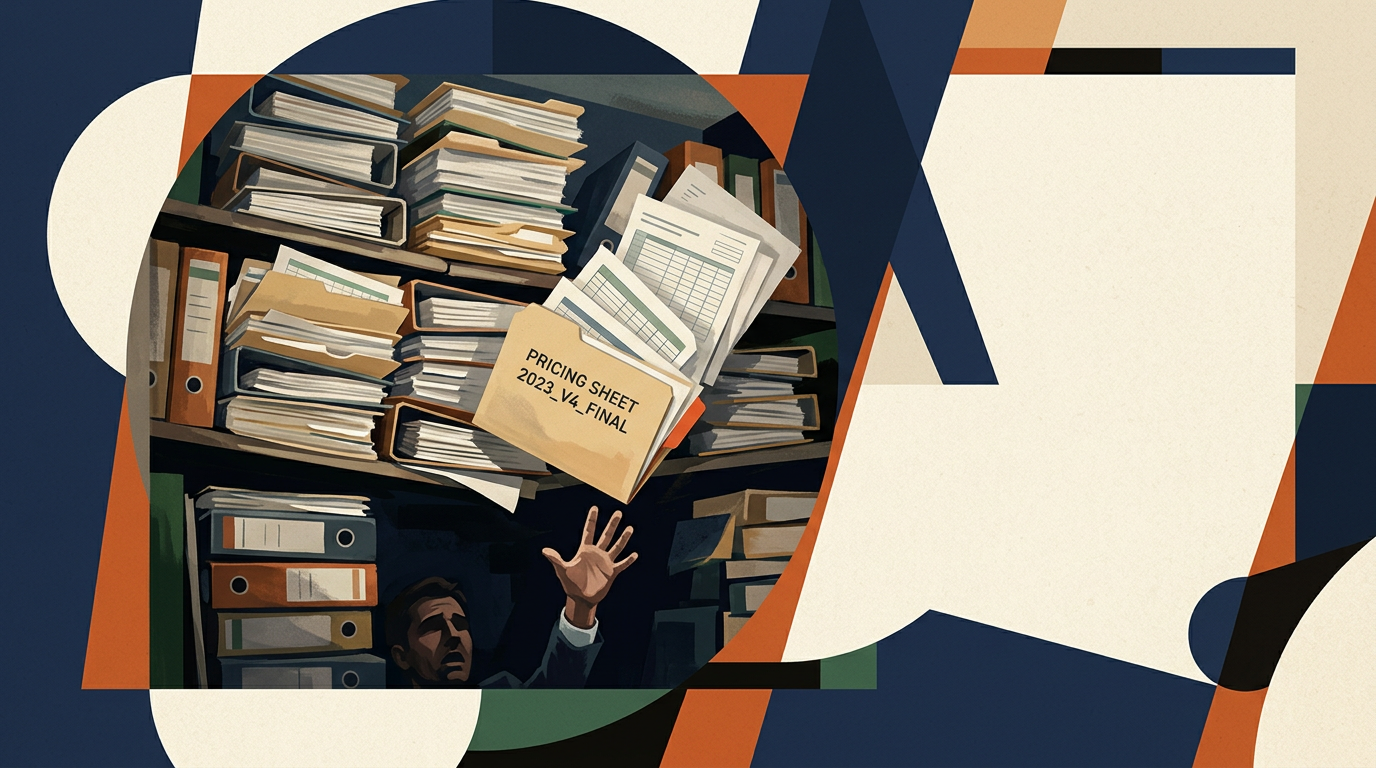
The file gets downloaded. Someone makes a local copy. Another person edits an older version. A tab is duplicated for “2026 FINAL”. Then another appears called “2026 FINAL NEW”.
This sounds trivial until the spreadsheet contains information people use to make operational decisions. Once several copies exist, the problem is not storage, but trust.
The workflow depends on somebody remembering the rules
Many business spreadsheets contain logic that is not written anywhere. One person knows:
- which cells must never be changed;
- which colour means a record needs attention;
- which tab contains the real number;
- which formula breaks if a row is inserted;
- which values need checking manually;
- which export has to happen before Friday.
That knowledge lives in the person rather than in the system. The spreadsheet may appear documented because the data is visible. The workflow around it often is not.
Reporting becomes a recurring manual task
If answering a basic business question requires downloading three exports, cleaning them, joining them in a workbook and fixing inconsistent values, reporting is already becoming part-time data engineering. The result is often old by the time somebody sees it. For occasional analysis, that is fine, but for operational reporting that happens every week, it is worth asking why the same preparation work is still being repeated manually.
Errors become harder to detect
Spreadsheets make it easy to change data. That is part of their strength. It is also why they can become fragile when they are used as operational systems. A formula can be overwritten. A row can be omitted. A filter can hide records. A value can be entered in the wrong format. A column can be renamed without anybody realising another process depends on it. The bigger the spreadsheet becomes, the harder it is to distinguish flexibility from risk.
Many spreadsheets should stay spreadsheets
None of this means every spreadsheet should become an application. Spreadsheets are excellent for:
- forecasting;
- financial modelling;
- temporary analysis;
- planning;
- comparisons;
- exploratory work;
- low-volume processes;
- early-stage workflows.
They are especially useful when the structure is still changing. If somebody is actively thinking with the data, a spreadsheet may be exactly the right interface. The stronger warning sign is when people are no longer using the spreadsheet to think. They are following a procedure around it.
Open this file.
Copy these rows.
Change these fields.
Export that tab.
Upload it here.
Tell Sarah when it is done.
That starts to look much more like a software workflow.
When I would consider replacing one
There is no single threshold, but several signals tend to appear together. The case becomes stronger when the spreadsheet:
- is used every day;
- is edited by several people;
- contains important customer, product, order or operational records;
- repeats data already stored elsewhere;
- requires recurring cleanup or copy-paste work;
- contains formulas or macros few people understand;
- needs permissions beyond “can open the file”;
- requires a history of who changed what;
- regularly produces avoidable errors;
- has become difficult to hand over to somebody new;
- is treated as the authoritative source for an important process.
The more of these apply, the more useful it becomes to look at alternatives. That does not automatically mean custom software. The answer might be a better CRM, a database, a low-code tool, an integration between existing systems, or a small internal application.
Replace the workflow, not the spreadsheet
This distinction matters. If you simply recreate every tab, colour and formula inside a web application, you may end up preserving all of the original problems in a more expensive format. Before building anything, I would map the process behind the spreadsheet. For example:
Supplier file arrives → data is cleaned → products are matched → missing fields are added → records are reviewed → approved products are sent to the PIM.
Now it is much easier to ask:
- Which step is repetitive?
- Which step needs judgement?
- Which system should own the final record?
- Which checks can happen automatically?
- Which exceptions need review?
- Which data is duplicated unnecessarily?
The replacement should simplify that process rather than merely reproduce the existing interface.
What the replacement might actually look like
Often, it is much smaller than people expect. A lead-tracking workbook might become web form → CRM → status workflow → reporting
An inventory sheet might become product database → controlled edits → import/export → change history
A booking sheet might become availability → validation → booking → notification
A supplier-processing workbook might become file import → field mapping → validation → review queue → destination system
A reporting workbook might become data sources → scheduled import → cleaned dataset → dashboard
None of these necessarily require a huge software platform. A small database-backed interface with the right rules and integrations can remove most of the fragility.
A custom tool is not always the next step
Before building something new, I would check whether an existing product already solves the problem well enough. If a CRM can replace the lead spreadsheet, use the CRM. If the accounting platform already exposes the report you need, do not rebuild it. If a low-code tool can handle a simple approval workflow safely, that may be enough.
Custom software becomes more attractive when the workflow is specific to the business, several existing systems need to be connected, or generic tools require so many workarounds that the workarounds become the real process. That is the point where tailoring the software to the business can be more economical than continuing to tailor the business to the software.
Start with the most painful part
I would not replace every spreadsheet at once. Pick one workflow where the cost is already obvious. Maybe people spend five hours every week preparing a report. Maybe pricing mistakes keep appearing. Maybe one employee has become the only person who understands the inventory file. Maybe customer information is copied manually between three systems. Start there. Define what success would look like:
- less staff time;
- fewer errors;
- faster processing;
- better visibility;
- easier delegation;
- shorter response times.
Then build the smallest change that produces that improvement.
Data ownership matters
One reason spreadsheets become difficult is that ownership is vague. The replacement needs clearer answers. Which system contains the authoritative customer record? Who can edit pricing? Who can approve an order? What happens when an import fails? Can the data be exported? Who owns the hosting and accounts? How is the system backed up? A custom tool can remove spreadsheet fragility and still become another dependency if nobody thinks about those questions.
I prefer systems that remain understandable and transferable. The business should be able to get its data out and another competent developer should be able to understand what was built.
Automation may be enough
Sometimes there is no reason to replace the spreadsheet itself. The painful part may simply be what happens around it. For example:
- automatically importing data into it;
- validating new rows;
- syncing approved records elsewhere;
- generating a recurring report;
- notifying somebody when a condition is met;
- creating a controlled form instead of letting everyone edit the raw sheet.
That can preserve the flexibility people like while removing the most repetitive or dangerous parts. This is why I would look at the whole workflow before deciding that the spreadsheet needs to disappear.
Where AI fits
AI can be useful where the spreadsheet contains work that requires interpretation. That might include classifying free text, extracting information from documents, matching inconsistent records, translating descriptions or flagging unusual data.
But most spreadsheet problems are not AI problems. They are data-flow, validation, permissions and integration problems. If the workflow can be made reliable with normal software rules, I would usually start there. AI is most useful as one component inside a well-defined process, not as a way to avoid defining the process.
The practical rule
Keep the spreadsheet while it is helping people think, explore and adapt. Start looking beyond it when the workflow has become repetitive, important, multi-person and difficult to trust. By that point, the business has already done much of the hard work.
The spreadsheet has shown which data matters, which exceptions exist and which process is valuable enough to repeat. That makes it a very good starting point for Tooling & Automation: not because spreadsheets are bad, but because a mature spreadsheet often contains the specification for the small piece of software the business actually needs.