Tooling & automation:
Software built around how your business actually works.
Internal tools · Workflow automation · Data processing · System integrations
I build internal tools, workflow automation and small custom applications for businesses that have outgrown spreadsheets, manual handoffs or off-the-shelf software that almost fits.
What I can actually help with
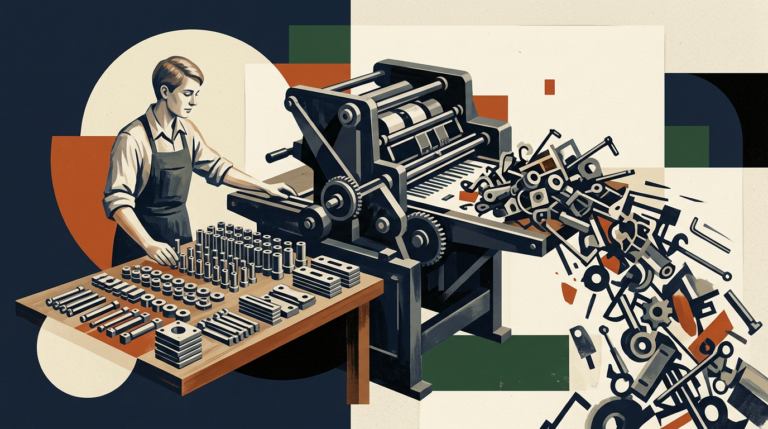
Replace repetitive manual work
You need: A repetitive process involving manual work made faster and more reliable.
You get: A repeatable process that handles the mechanical parts automatically and leaves people to deal with the decisions that actually require judgement.
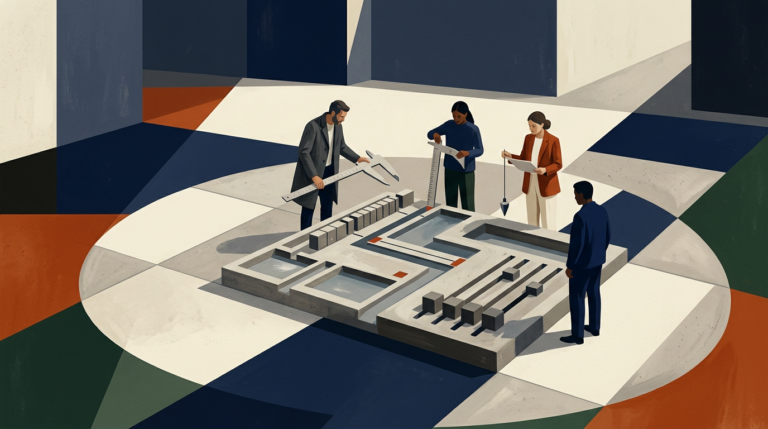
Build an internal business tool
You need: Something more specific than a spreadsheet, but not a huge enterprise software project.
I handle:You get: A focused application designed around the task your team actually performs, without forcing unrelated functionality into the system just because a generic product includes it.
Connect systems that do not work together
You need: Information to move reliably between your website, CRM, eCommerce platform, supplier feeds, accounting tools or other systems.
I handle:You get: A documented integration that moves the right data between the right systems and makes failures visible rather than silently losing information.
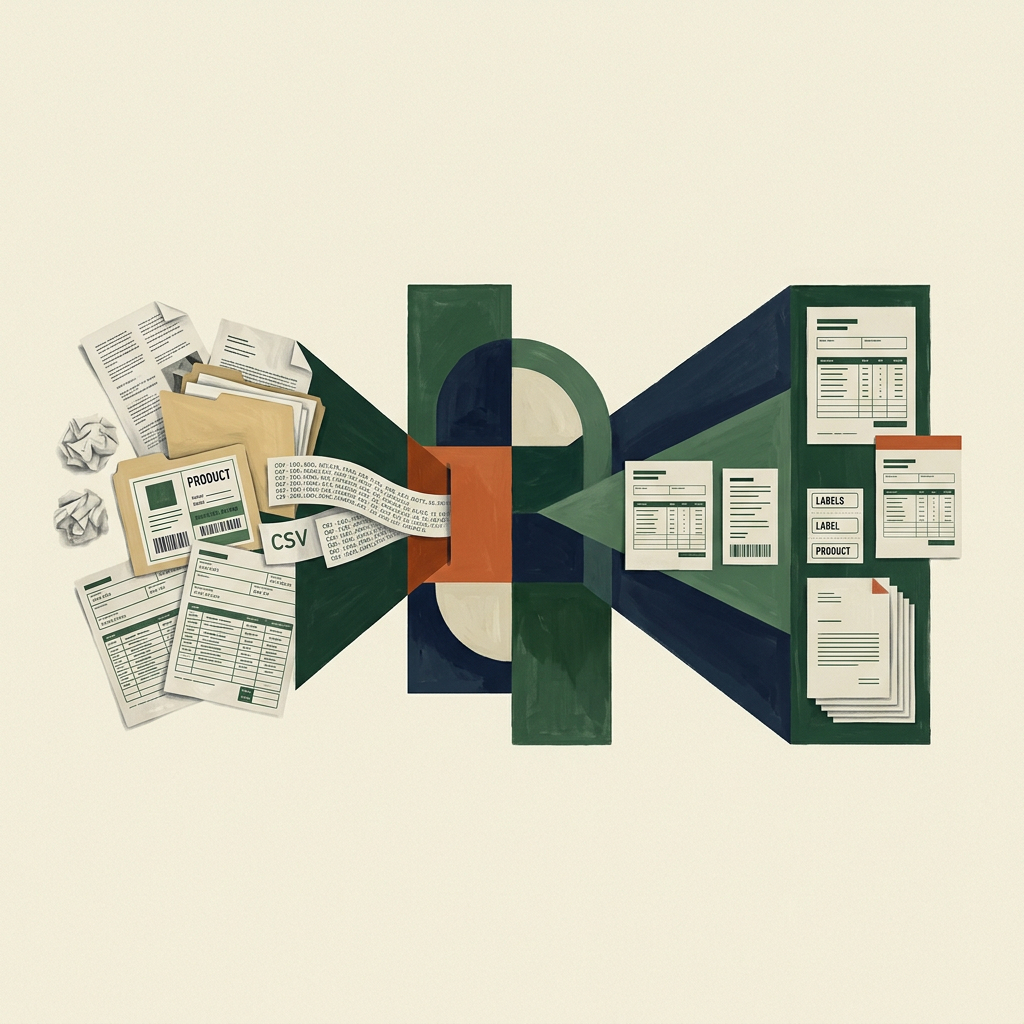
Turn messy data into something usable
You need: Supplier files, exports, feeds or internal datasets cleaned up and transformed before another system can use them.
I handle:You get: A reliable transformation process that produces consistent data for the next system instead of making somebody clean the same problems manually every time.
What a tooling or automation project can include
Before automating anything, I want to understand how the process currently works.
That usually means looking at where the data starts, which people or systems touch it, what decisions are made along the way and where time is being lost.
Some steps are good automation candidates. Others are better left manual because they depend on judgement, exceptions or information that is difficult to formalise reliably.
I prefer to automate the repetitive parts around human decision-making rather than force the whole workflow into software just because it can technically be done.
The result is usually a simpler process before any code is written.
Sometimes the right solution is a small custom application rather than another integration.
That might be an internal dashboard, product-management interface, quoting tool, approval workflow, reporting system or operational utility built around a specific business process.
The application can include user accounts, permissions, search, filtering, forms, status changes and whatever business rules the workflow actually needs.
I usually favour straightforward web applications because they are easy to deploy, access and maintain. The technology depends on the project, but I am comfortable working with PHP, Laravel, Symfony, WordPress and conventional frontend technologies rather than introducing a complicated stack without a reason.
The aim is not to build a miniature ERP. It is to solve the narrow operational problem well.
A lot of business automation is really integration work.
One system contains the customer. Another contains the order. A third needs the product data. Somebody currently bridges the gap by exporting CSV files or copying information manually.
I can connect those systems through APIs, webhooks, scheduled jobs or controlled imports and exports.
That includes deciding what happens when the connection fails. Useful automation needs retry behaviour, logging and some way for a person to see that a record was rejected rather than quietly assuming everything worked.
Where a direct integration is not available, I can also work with existing file feeds, exports and other less elegant interfaces. Real business systems are not always built around perfect APIs.
Raw data often needs substantial work before another system can use it reliably.
Supplier feeds may use different field names, units, category structures or product identifiers. Existing exports may contain duplicate records, inconsistent values or free text that needs to be interpreted.
I can build processing pipelines that validate, map, normalise and enrich that information before it reaches the destination.
For some tasks, deterministic rules are the right solution. For others, AI can help with classification, extraction, translation or summarisation where the output can be verified appropriately.
I do not use AI simply because a workflow contains text. If a normal rule produces a more predictable result, that is usually the better tool.
Automation that fails silently is often worse than no automation at all.
For anything important, I want failures to be visible.
Depending on the project, that can include logging, notifications, retry logic, import summaries, validation reports or an internal screen showing which jobs succeeded and which need attention.
I also document the important dependencies: which systems are connected, which credentials or accounts are involved, where scheduled processes run and what somebody should check if something stops working.
The finished system should be understandable enough that another developer can take it over later rather than depending on undocumented knowledge.
How I work
The exact scope changes, but the work usually follows the same path: understand what is happening, decide what matters, build the right thing, and leave it in a state someone can operate.
1. Understand
I start with what people actually do today.
Where does the information come from? Who touches it? Which steps are repetitive? Which decisions require judgement? What goes wrong most often?
That gives us a real process to improve rather than an imagined one.
2. Simplify & Design
Before building anything, I reduce the workflow to the parts the software genuinely needs to handle.
Then I decide where automation, integration or a small custom interface makes sense and where keeping a human step is safer or simpler.
The technical solution should follow the process rather than dictate it.
3. Build
I normally build the first useful version around one complete workflow rather than trying to automate every edge case immediately.
That makes it possible to test the assumptions against real data and real users before expanding the system.
For integrations and automation, I also test failure cases rather than only the happy path.
4. Hand over
The finished tool is deployed in an environment appropriate to the business, with the necessary access, scheduling, monitoring and documentation.
I can stay involved for maintenance and further development, but the system should not depend on me being the only person who understands how it works.
1. UnderstanD The Workflow
I start with what people actually do today.
Where does the information come from? Who touches it? Which steps are repetitive? Which decisions require judgement? What goes wrong most often?
That gives us a real process to improve rather than an imagined one.
2. Simplify & Design
Before building anything, I reduce the workflow to the parts the software genuinely needs to handle.
Then I decide where automation, integration or a small custom interface makes sense and where keeping a human step is safer or simpler.
The technical solution should follow the process rather than dictate it.
3. Build & Test
I normally build the first useful version around one complete workflow rather than trying to automate every edge case immediately.
That makes it possible to test the assumptions against real data and real users before expanding the system.
For integrations and automation, I also test failure cases rather than only the happy path.
4. Hand over & Maintain
The finished tool is deployed in an environment appropriate to the business, with the necessary access, scheduling, monitoring and documentation.
I can stay involved for maintenance and further development, but the system should not depend on me being the only person who understands how it works.
Want to talk through the problem first?
Have a workflow that should be easier?
Contact
Send me a description of what currently happens, which systems are involved and where the process becomes repetitive or unreliable.
You do not need to design the solution first. A rough description such as “we export this file every morning, clean three columns and upload it into another system” is enough to start the conversation.
I can build the tool itself, connect existing systems, automate part of the workflow or help work out which approach makes the most sense.
Not sure what you need yet?
Further reading…
-
AI doesn’t fix chaos. It scales it.
AI is a multiplier. If your data is inconsistent, your processes are ambiguous, and your responsibilities are undefined, AI makes all of that happen faster and at greater volume. The boring foundational work is still required.
-
AI data extraction from PDFs, emails, and documents: when it is reliable
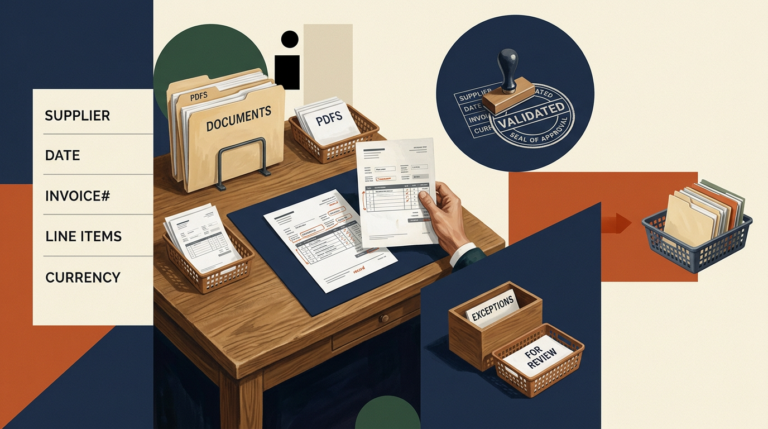
AI extraction works when the target fields, source quality, validation rules, and exception path are defined. It is unreliable when prose is treated as a database without verification.
-
How to evaluate an AI workflow before building it
Evaluate an AI workflow by comparing it with the current process: task fit, source data, error cost, review requirements, integration effort, operating cost, and a representative pilot.